
Navigation
Yuko Dashboard → Reviews → Widgets → Star RatingHow the Star Rating Widget Works
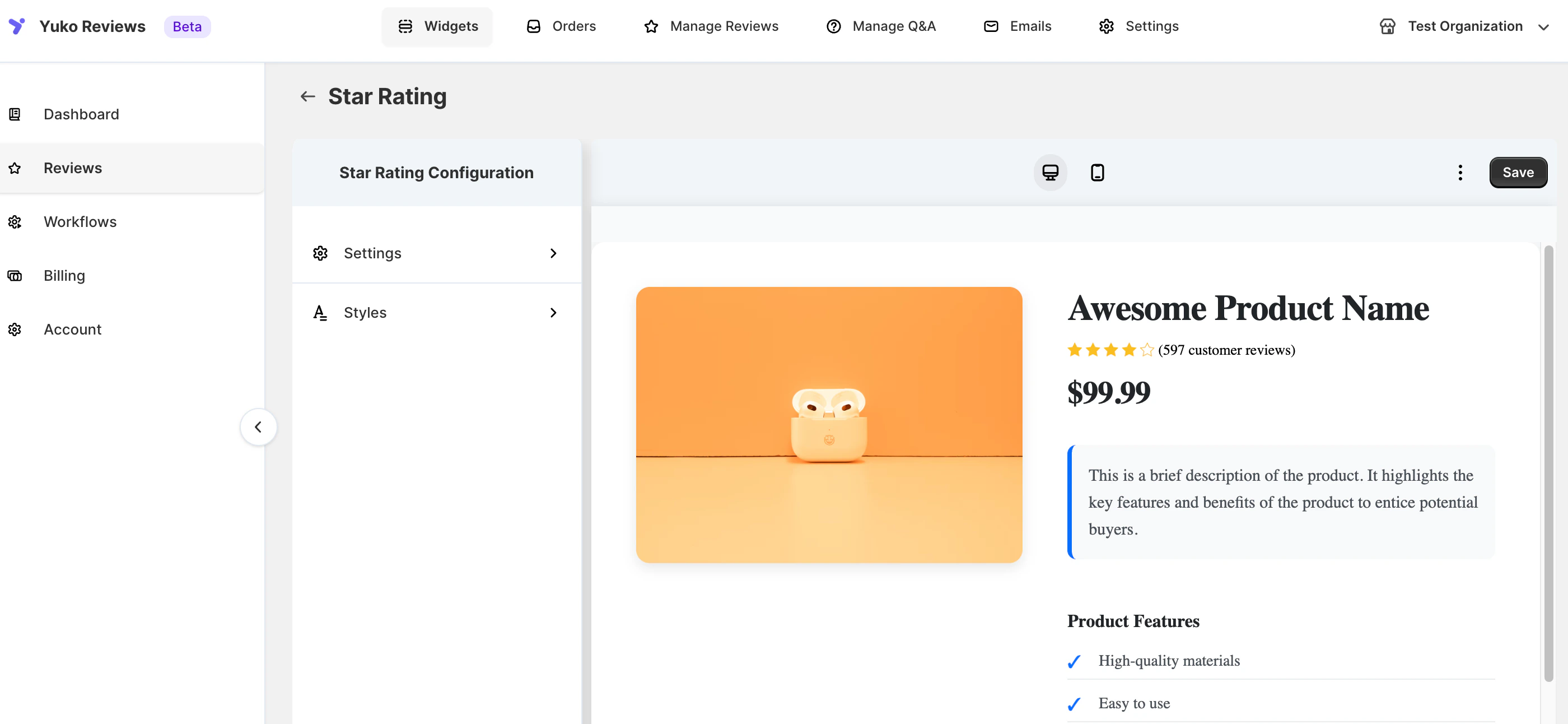
- Stars only
- Review count only
- Stars + review count
You can customize the text next to the stars using placeholders:
| Placeholder | Description |
|---|---|
{{count}} | Total number of reviews |
{{rating}} | Average rating (rounded to one decimal) |
- “Rated rating based on count reviews”
- “count customers rated this rating stars”
Settings
The Star Rating Widget is fully customizable in the Yuko Dashboard. Navigation: Yuko Dashboard → Reviews → Widgets → Star Rating → Customise1. General / Text Settings
| Option | Description |
|---|---|
| Text | Customize the text content using placeholders |
| Text (Singular) | Customize text for singular review scenarios |
| Show Q&A Count | Enable or disable the Q&A count display |
| Hide Text | Hide all text content next to the stars |
| Hide Stars | Hide all star icons |
| Show Empty Stars | Enable empty stars to maintain consistent badge width; check store to see changes |
2. Style Settings
| Option | Description |
|---|---|
| Widget Alignment | Align the widget (Left, Center, Right) |
| Icon Position | Position of the star icons relative to text |
| Icon Alignment | Alignment of the icons themselves |
| Text Color | Customize the color of the text |
| Rating Icon Color | Customize the star color |
All style changes can be previewed live in Yuko before saving.
3. Advanced Customization (CSS)
For additional control over spacing, alignment, or visibility, you can add custom CSS: Steps:- Go to Star Rating Widget settings
- Scroll to Advanced CSS
- Add your custom CSS code
- Click Save