
Navigation
Yuko Dashboard → Account → Security
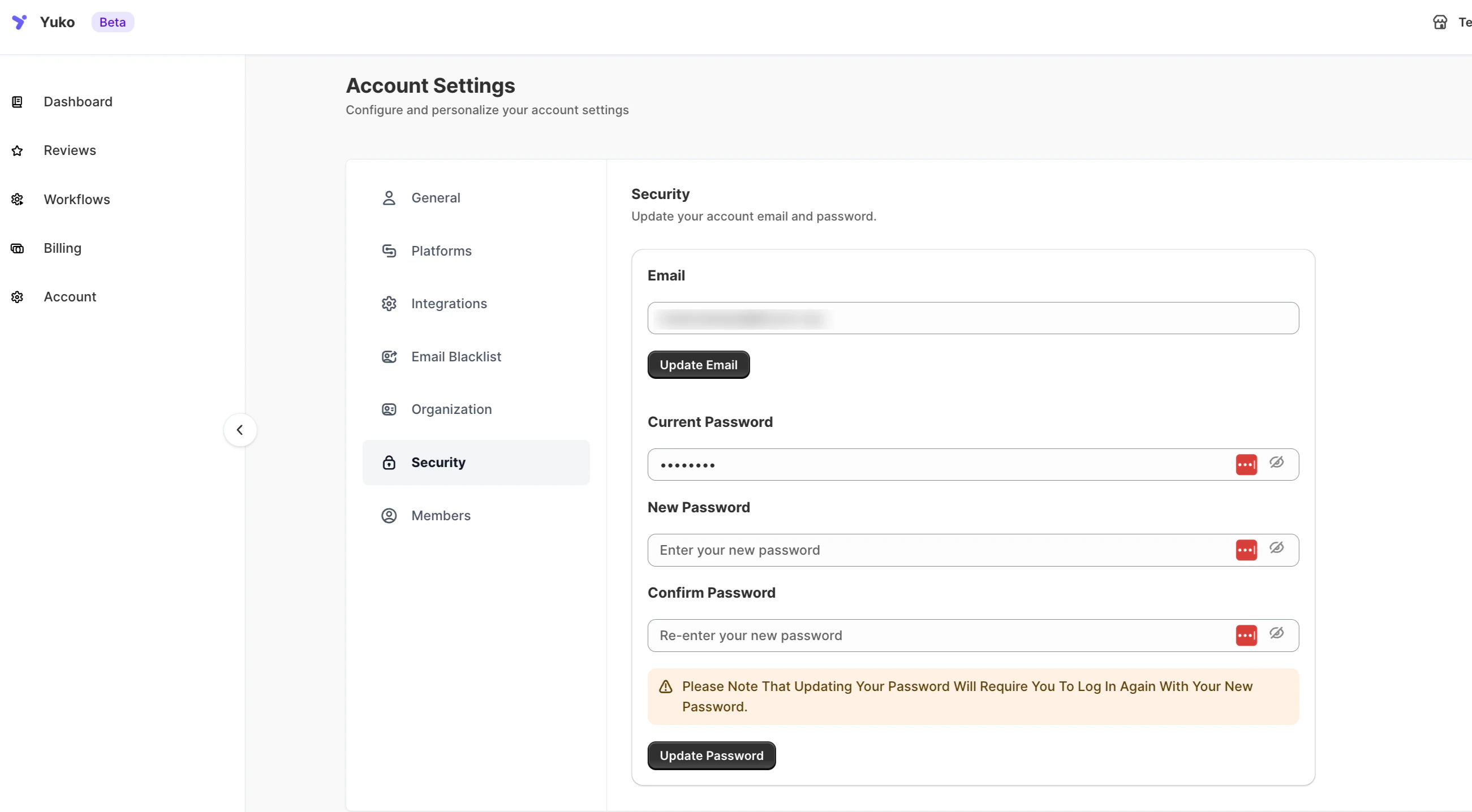
Overview
Manage your account’s login credentials and keep your Yuko workspace secure.You can update your registered email address and change your password anytime to maintain account safety.
Documentation Index
Fetch the complete documentation index at: /llms.txt
Use this file to discover all available pages before exploring further.
Manage login credentials and keep your Yuko workspace secure.

| Setting | Description |
|---|---|
| Update the email address associated with your Yuko account. Click Update Email to save the change. | |
| Current Password | Enter your existing password to authorize updates. |
| New Password | Create a new secure password for your account. |
| Confirm Password | Re-enter the new password to confirm the change. |
| Update Password | Click to apply your new password. You’ll need to log in again using the updated credentials. |
Was this page helpful?